Hello everyone, now I can explain how to use kali linux tools in mobile. everyone know how to use nmap,git,etc. tools in kali linux in pc .now we will see how to use these tools in android mobile using termux app.
step 1: Install the termux app in playstore.
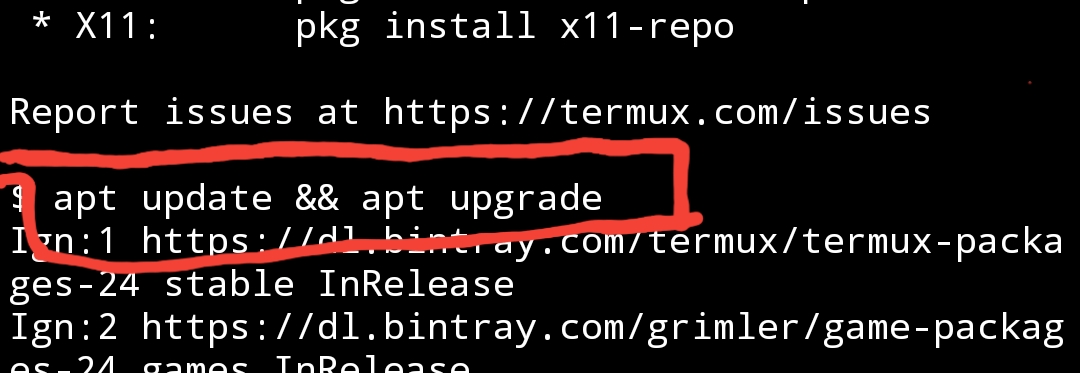
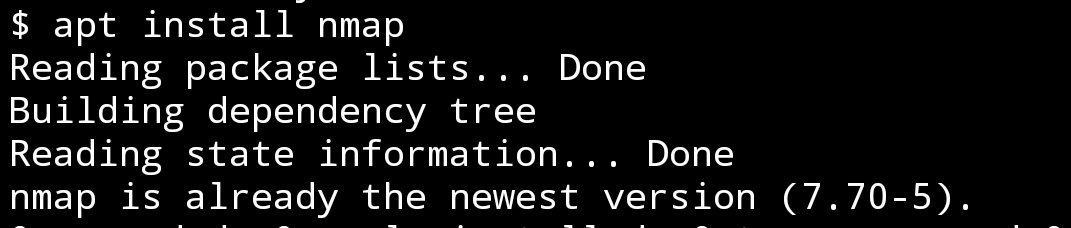
Step 2: Now type these commands in your termux.
1. $apt update && apt upgrade
2.$apt install nmap

 techfreshers